Guides
How to Get a Cool Font for Your Bio, Name or Posts
Want to know how to get a cool font without installing anything? The quickest way is a font generator: type your words, pick a style like 𝓒𝓸𝓸𝓵 or 𝕮𝖔𝖔𝖑, and copy it. It works in Instagram bios, TikTok names, Discord chats and most other apps. This guide shows the steps, ten cool font styles worth trying, and how to get a real cool font for Word, Canva or your phone's settings.
The fastest way to get a cool font
- Open the font generator and type your name or message.
- Scroll through the styles, or use the filters at the top to show only cursive, gothic, bold or gaming fonts.
- Tap Copy on the one you like and paste it into your app.
These "fonts" are special Unicode characters, so they keep their look wherever text is accepted. If you've never done it before, our step-by-step guide on how to copy and paste fonts covers iPhone, Android and PC.
10 cool font styles to try
| Style | Looks like | Good for |
|---|---|---|
| Bold serif | 𝐂𝐨𝐨𝐥 𝐅𝐨𝐧𝐭 | Headlines in posts, Facebook updates |
| Bold sans | 𝗖𝗼𝗼𝗹 𝗙𝗼𝗻𝘁 | Clean, modern names |
| Bold italic sans | 𝘾𝙤𝙤𝙡 𝙁𝙤𝙣𝙩 | Sporty or gaming names |
| Bold script | 𝓒𝓸𝓸𝓵 𝓕𝓸𝓷𝓽 | Instagram names, aesthetic bios |
| Gothic (fraktur) | 𝕮𝖔𝖔𝖑 𝕱𝖔𝖓𝖙 | Edgy, dark or metal looks |
| Double-struck | ℂ𝕠𝕠𝕝 𝔽𝕠𝕟𝕥 | Tech and minimal profiles |
| Monospace | 𝙲𝚘𝚘𝚕 𝙵𝚘𝚗𝚝 | Coder or typewriter vibe |
| Small caps | ᴄᴏᴏʟ ꜰᴏɴᴛ | Subtle, aesthetic captions |
| Bubble | Ⓒⓞⓞⓛ Ⓕⓞⓝⓣ | Cute and playful names |
| Wide text | Cool Font | Vaporwave and retro posts |
Looking for softer styles? The pretty fonts generator has cursive and aesthetic looks. For horror names and glitch effects, try the creepy text generator.
Cool fonts on Instagram, TikTok, Discord and more
Paste styled text into your Name and Bio fields. The @username can't use it. The Instagram fonts generator shows a live preview of how your bio will look.
TikTok
Your display name, bio, captions and comments all accept cool fonts. On-video text uses TikTok's own font picker instead. Details are in our TikTok fonts guide.
Discord
Use styled text in messages, your server nickname and channel names. Discord's own markdown also gives you **bold** and *italic*. See the Discord fonts guide.
Posts and comments accept styled text, which is handy because Facebook has no bold button for normal posts. Your profile name can't use it. Try the Facebook font generator.
Games and usernames
Many games and sign-up forms only allow plain letters and numbers in usernames, so a cool font may be rejected or turned back into normal text. Display names and clan tags are more likely to accept it. Our guide to fancy fonts in usernames lists the rules for the big platforms.
Real cool fonts for documents and designs
Unicode styles aren't the right tool for school work, logos or printed invitations. For those, use a real font:
- Google Fonts has over a thousand free fonts. Most use the Open Font License, so you can use them in personal and commercial work.
- Canva has hundreds of fonts built in. Pick one from the font menu, no download needed.
- Windows and Mac: download a .ttf or .otf file, then double-click it and click Install. It will appear in Word, PowerPoint and Photoshop.
Changing the font on your phone
- Samsung: go to Settings → Display → Font size and style → Font style to change the system font. You can download more from the Galaxy Store.
- iPhone: iOS doesn't let you change the system font. You can install fonts from App Store font apps to use inside apps like Pages and Keynote, and use Unicode styles everywhere else.
Tips to keep your cool font readable
- Style one or two words, like your name, and keep the rest of your bio plain.
- Bold and script styles show up on almost every phone. Rare symbols can turn into boxes on older devices.
- Screen readers can struggle with styled letters, so keep important details such as links and contact info in plain text. More in our fancy fonts accessibility guide.
Frequently asked questions
What is the easiest way to get a cool font?
Use a copy and paste font generator. Type your text, tap Copy on a style, and paste it into your app. Nothing needs to be installed.
Can I get a cool font on my iPhone keyboard?
iPhone keyboards can't type in other fonts, but you can save styled text with Text Replacement in Settings → General → Keyboard and reuse it anywhere.
Why does my cool font show as boxes?
The device reading it doesn't have those characters in any installed font. Switch to a common style such as bold or script, which almost every phone can show.
More guides
 Instagram
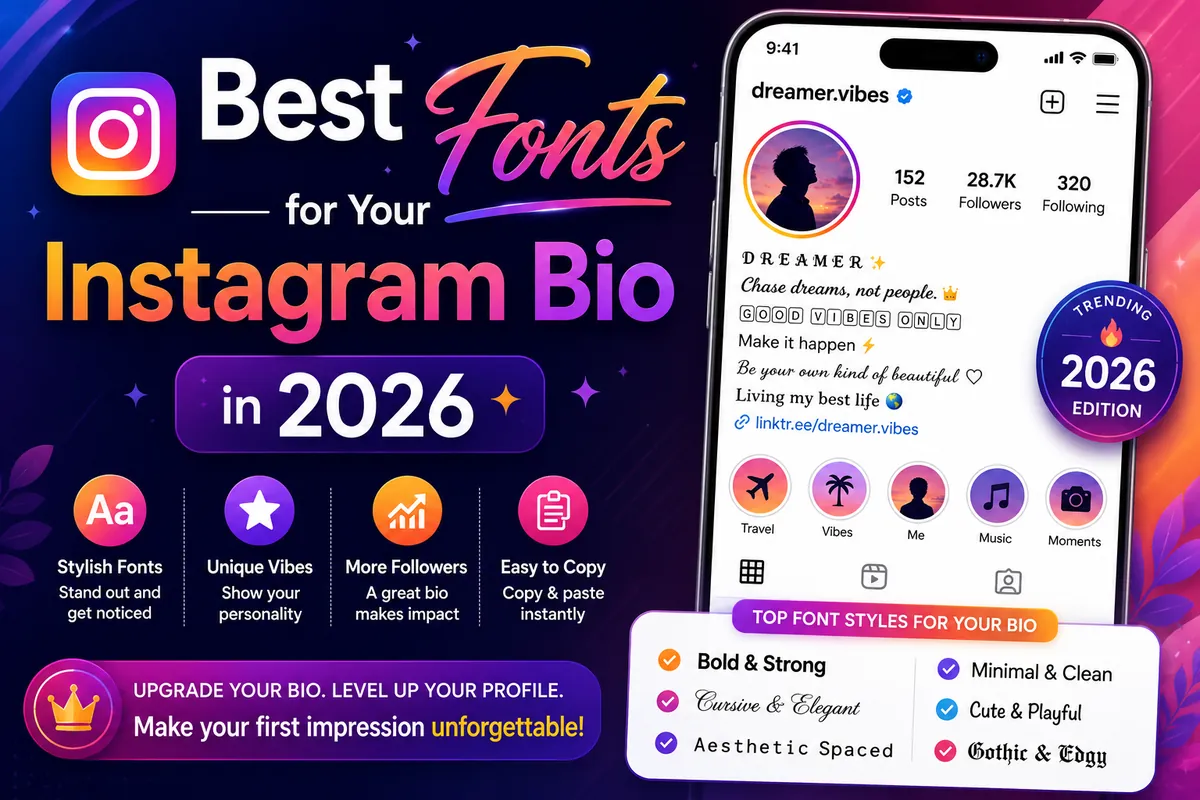
Best Fonts for Your Instagram Bio: 10 Styles to Copy
Ten Instagram bio font styles you can copy, where each one reads best, and the mistakes that make a styled bio hard to read.
Guides
Fancy Fonts in Username: Why They Get Rejected (and What Works)
Username vs display name, the username rules on Instagram, TikTok, Discord, X, Roblox and Twitch, and where styled names work.