Cursive
Cursive Fonts Copy and Paste: 6 Styles and Where They Work
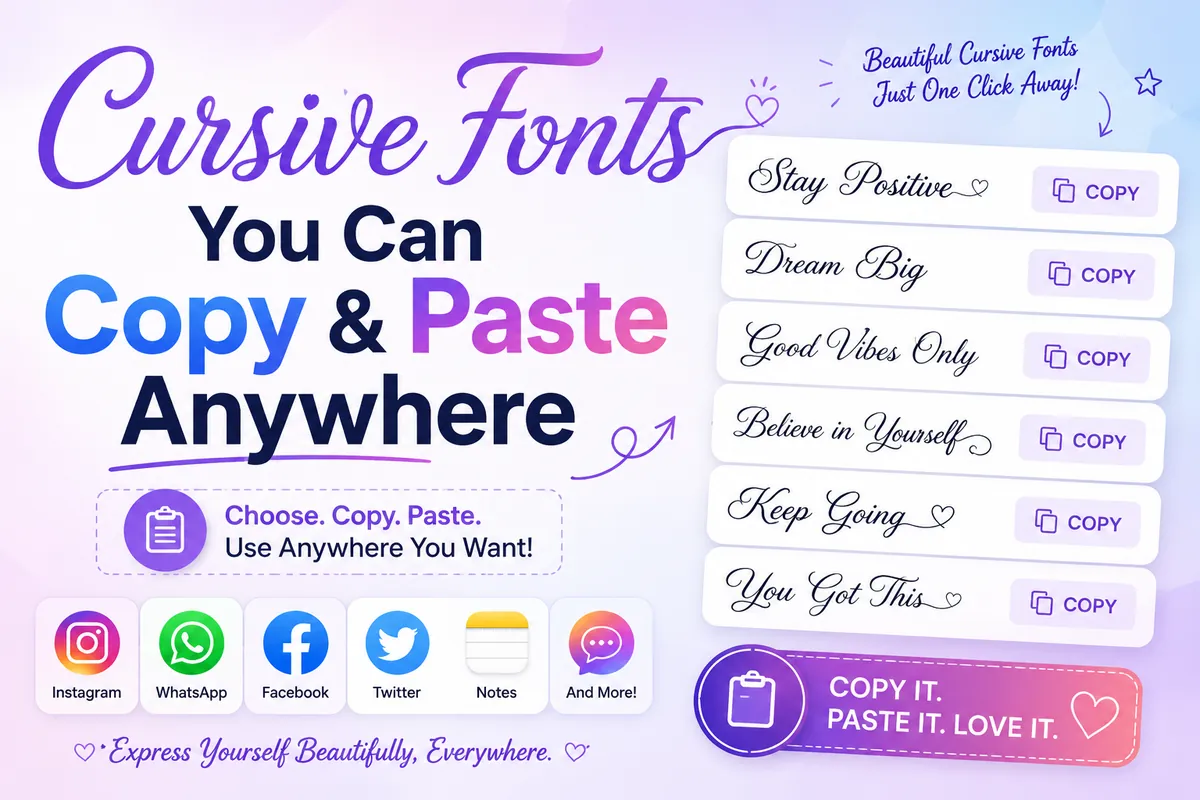
Cursive text makes a name or caption feel personal and elegant, and you don't need to install anything to use it. This guide to cursive fonts copy and paste explains how pasted cursive works, compares six styles, shows where you can use them, and tells you when a real cursive font is the better choice.
How copy and paste cursive works
Pasted cursive isn't a font file. It's a set of special characters from the Unicode standard that happen to look handwritten: 𝓪 is "mathematical bold script small a", 𝒶 is "mathematical script small a". Because they're characters, not formatting, they keep their look wherever you paste them: a bio, a comment, a message. Type your text in the generator and filter by Cursive to see every option.
6 cursive font styles to copy
Classic script: 𝒮𝒶𝓇𝒶 𝒦𝒽𝒶𝓃
Light and elegant. A few capitals and lowercase e, g and o come from an older block, so some names look slightly uneven.
Bold script: 𝓢𝓪𝓻𝓪 𝓚𝓱𝓪𝓷
The most even and readable cursive, because all 52 letters come from one set. The safest choice for names.
Italic: 𝑆𝑎𝑟𝑎 𝐾ℎ𝑎𝑛
Slanted rather than joined. Subtle emphasis for a tagline.
Bold italic: 𝑺𝒂𝒓𝒂 𝑲𝒉𝒂𝒏
Italic with more presence; good for headings in captions.
Cursive with hearts: ♡ 𝓢𝓪𝓻𝓪 ♡
Bold script plus a symbol wrap for a softer, cute look.
Couple and monogram cursive: 𝓐 ♡ 𝓗
Initials and name pairs for anniversary posts and wedding stories. Make them in the couple names maker.
Where you can use copy and paste cursive
- Works well: Instagram and TikTok names and bios, captions, comments, Discord display names and messages, X (Twitter), Facebook posts, WhatsApp, Pinterest.
- Doesn't work: account usernames (the @handle), most email addresses, and anywhere that only accepts plain letters.
- Works but not ideal: documents and websites. Use a real script font there (see below).
Cursive vs print fonts: which to use
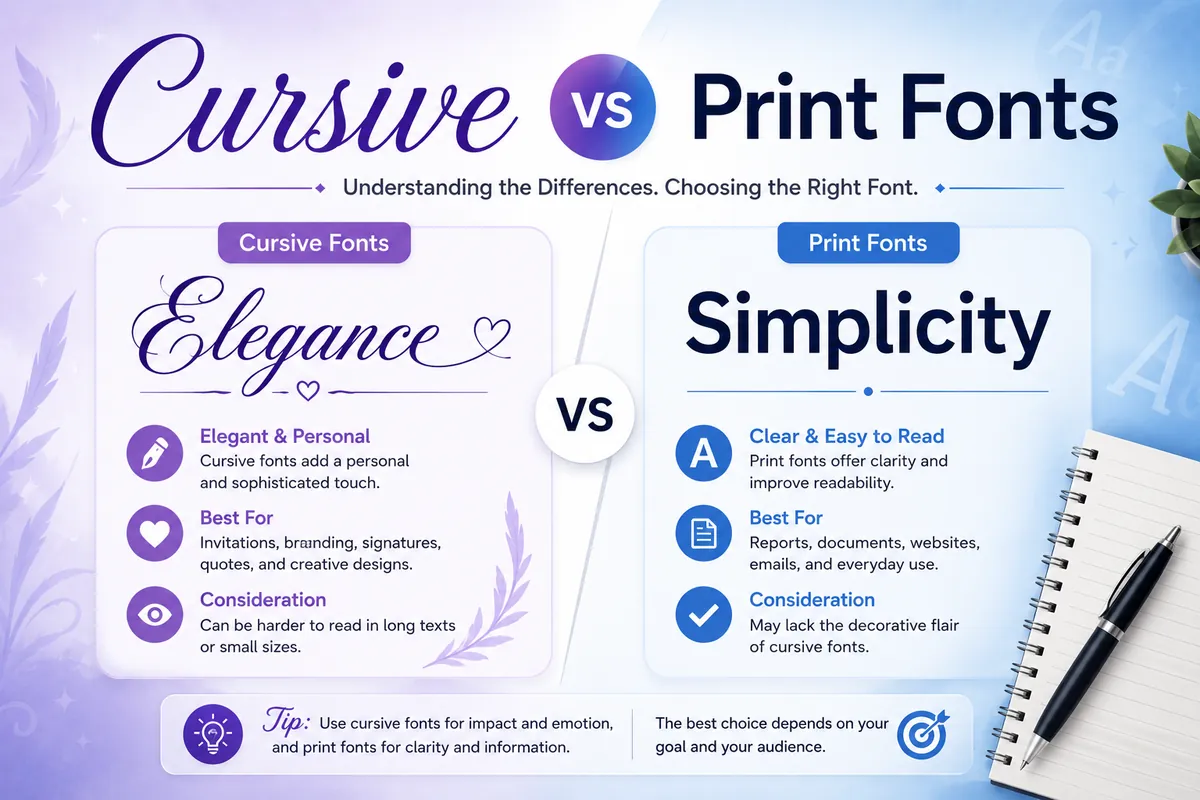
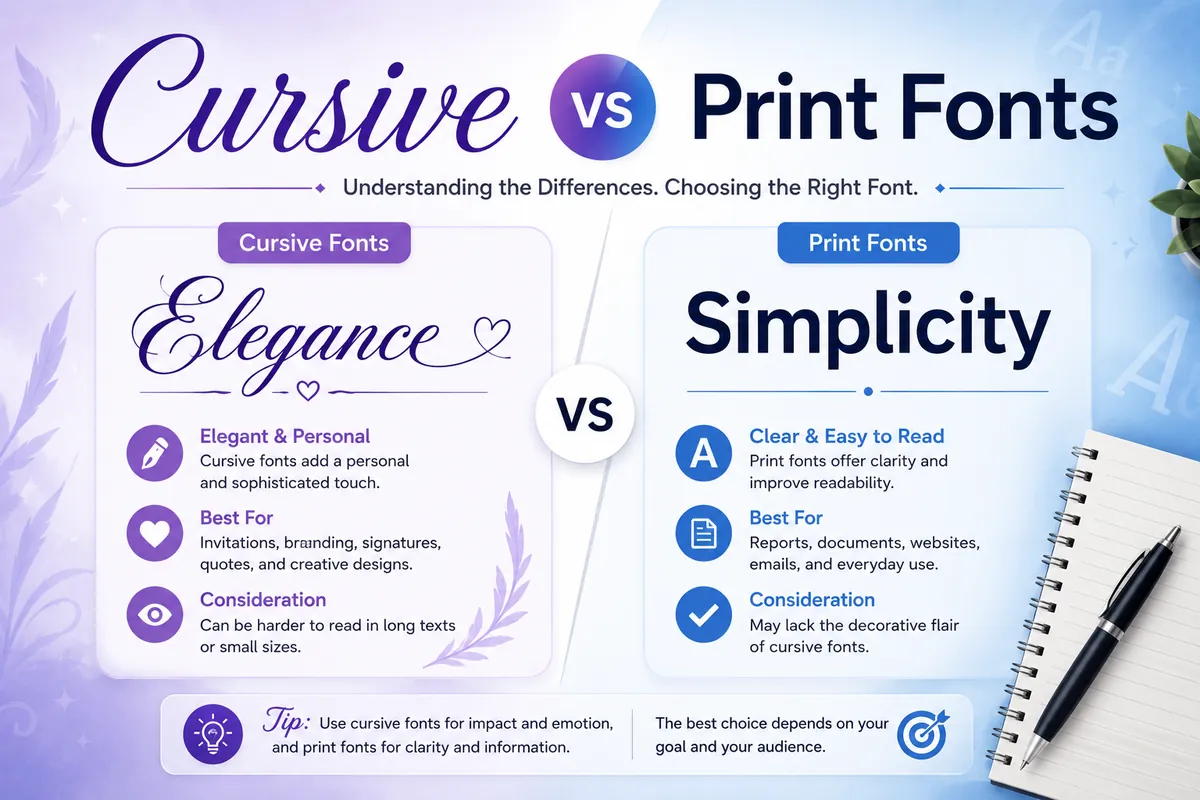
Cursive (script) letters connect or flow like handwriting; print fonts keep each letter separate. Cursive feels personal, elegant and emotional, so it suits names, quotes, wedding and anniversary posts, and soft aesthetic profiles. Print styles are clearer at small sizes and in long text, so they suit body text, instructions and anything people need to read quickly. A good rule: cursive for a few words that set the mood, print for everything else.
Cursive name ideas to copy
- Simple: 𝓐𝔂𝓮𝓼𝓱𝓪
- With hearts: ♡ 𝓐𝔂𝓮𝓼𝓱𝓪 ♡
- Framed: ꧁ 𝒜𝓎𝑒𝓈𝒽𝒶 ꧂
- Couple: 𝓐𝔂𝓮𝓼𝓱𝓪 ♡ 𝓗𝓪𝓶𝔃𝓪
- Initials: 𝓐 ✗ 𝓗
Cursive fonts in Word, Docs and design apps
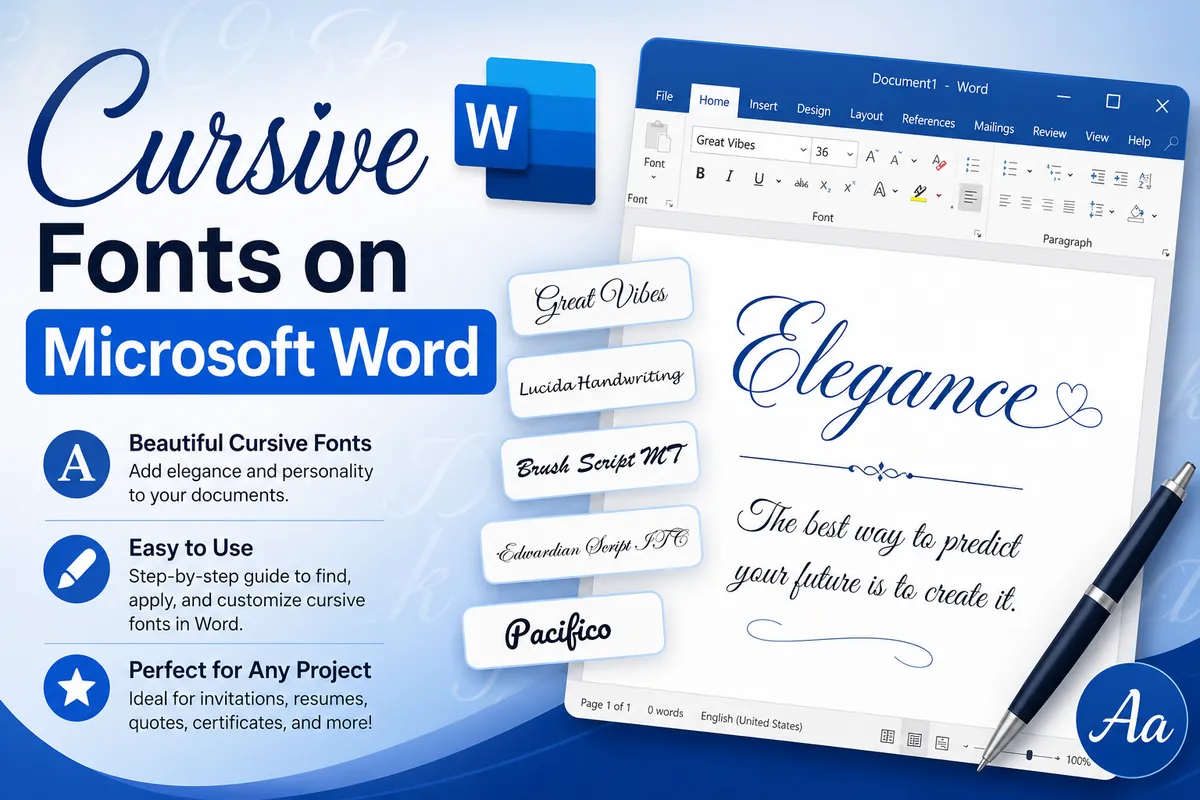
In Microsoft Word, Google Docs, Canva or Photoshop, you can choose a real font, so use one. Real script fonts (for example "Segoe Script" on Windows, or "Dancing Script" and "Great Vibes" from Google Fonts) keep spell check, search and screen readers working, and they print exactly as you see them. Pasted Unicode cursive in a document can print in a different fallback font and can't be spell-checked.
Tips for using cursive text well
- Keep it to one or two lines. Long cursive paragraphs are tiring to read on a phone.
- Use one cursive style per profile so it looks intentional.
- Never write hashtags in cursive: they won't match searches.
- Keep your real name in plain text somewhere so people can find you.
Frequently asked questions
Can I use copy and paste cursive in Microsoft Word?
You can paste it, but it is made of special characters, so spell check and search won't recognise it. For documents, choose an installed script font from Word's font menu instead.
Why do some cursive capital letters look different?
Regular script is missing a few letters in Unicode's math block, so ℬ ℰ ℱ ℋ ℐ ℒ ℳ ℛ and ℯ ℊ ℴ come from an older block. Bold script has no gaps, so it looks more even.
Is cursive text readable by screen readers?
Often not. Screen readers may read each letter as a symbol name or skip it, so keep important information in plain text.