Discord
Fancy Fonts on Discord: Markdown, Unicode Styles and Limits
Discord gives you two ways to style text. Markdown formatting (bold, italic, underline and more) is built in. Unicode styles from a font generator add looks markdown can't, such as script, gothic or bubble letters. This guide to fancy fonts on Discord covers both, shows where each works, and lists what Discord won't let you change.
Discord markdown: the built-in formatting
| Type this | You get |
|---|---|
**bold** | bold |
*italic* or _italic_ | italic |
***bold italic*** | bold italic |
__underline__ | underline |
~~strikethrough~~ | |
`code` | code |
||spoiler|| | hidden until clicked |
# Heading at the start of a line | a large heading (also ##, ###) |
> quote | a block quote |
For a multi-line code block, put three backticks on the line before and after the text. Markdown only works in messages and some text fields; it does nothing in names.
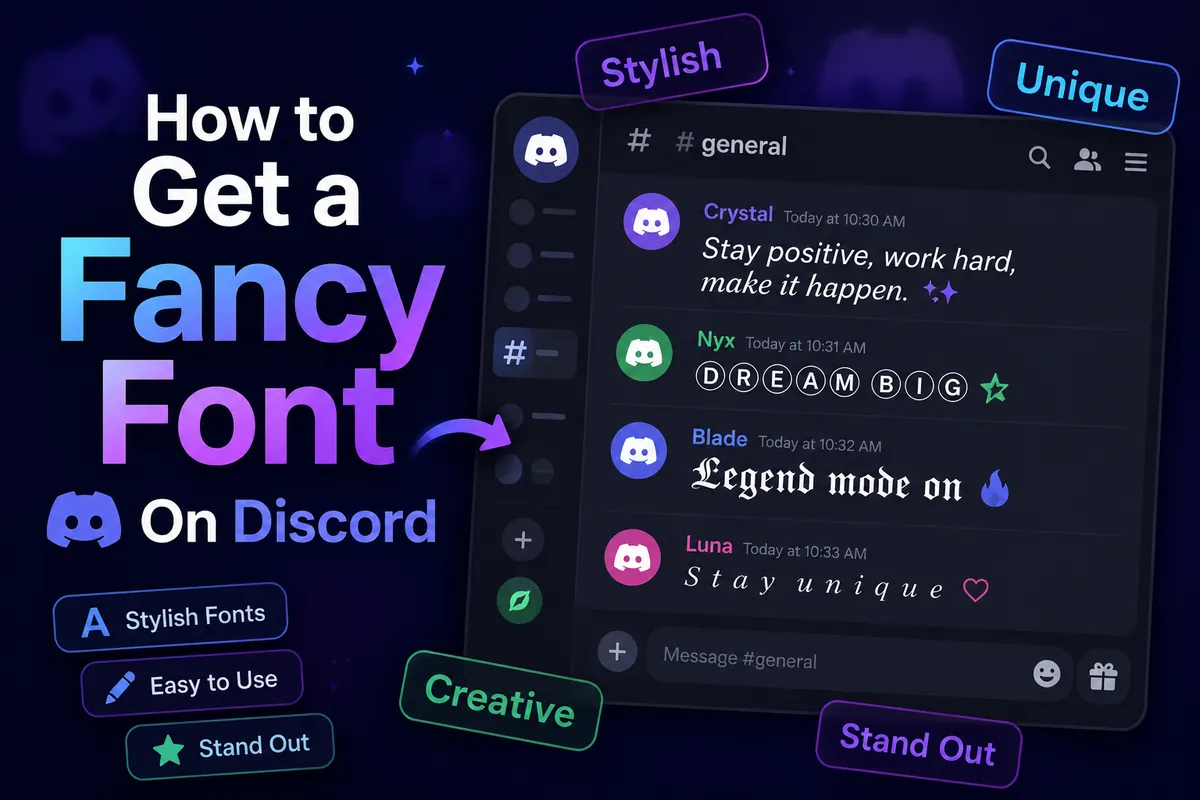
Unicode font styles for Discord
To go beyond markdown, type your text in the font generator, copy a style and paste it into Discord. Styles that look good in Discord's dark theme:
- Gothic: 𝔊𝔞𝔪𝔢𝔯 or bold 𝕲𝖆𝖒𝖊𝖗 for dark, dramatic names.
- Bold script: 𝓓𝓻𝓮𝓪𝓶 for soft, aesthetic servers.
- Small caps: ᴍᴏᴅᴇʀᴀᴛᴏʀ for clean role names and channel labels.
- Double-struck: 𝔾𝔸𝕄𝔼 for tech and gaming.
- Squared and bubble: 🅶🅰🅼🅴 and ⓖⓐⓜⓔ for playful names.
Where fancy fonts work on Discord
| Place | Unicode styles? |
|---|---|
| Messages | Yes |
| Display name and server nickname | Yes |
| About Me (bio) | Yes |
| Server name, channel names, role names | Usually yes (text channel names are shown in lowercase) |
| Username | No: lowercase letters, numbers, underscores and periods only |
Display name, nickname and username on Discord
Discord has three names, and they follow different rules. Your username is unique and plain (lowercase letters, numbers, underscores and periods). Your display name is shown across Discord and accepts Unicode styles. A server nickname replaces your display name in one server only, so you can use a different styled name in each community. Set it from the server menu → Edit Server Profile.
How to style a Discord server
- Category names: small caps with a separator, like ━━ ɪɴꜰᴏ ━━ or ┊ ɢᴇɴᴇʀᴀʟ.
- Channel names: one emoji plus a short word (📢・announcements). Text channel names are lowercase, so bold capital styles won't appear as typed.
- Role names: double-struck or bold, like 𝕄𝕆𝔻 or 𝐕𝐈𝐏, so roles stand out in the member list.
- Welcome message: a markdown heading (
# Welcome) plus plain rules is easier to read than fully styled text.
What doesn't work on Discord
- Changing Discord's font for everyone: not possible.
- Reliable coloured text: code-block tricks exist but don't look the same on every device.
- Searching styled text: Discord search matches plain words, so styled messages are hard to find later.
- Heavy Zalgo in busy channels: it overlaps other messages and many moderators remove it.
Tips for using fancy fonts on Discord
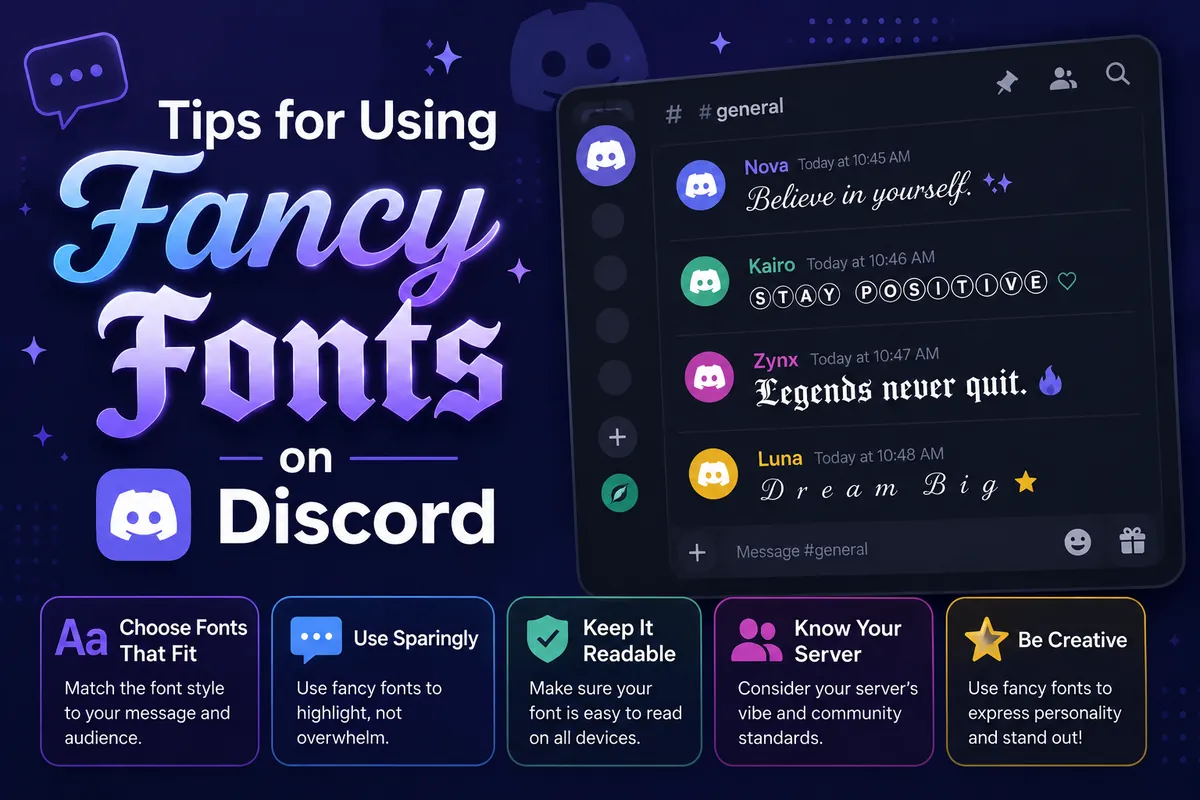
- Use markdown for emphasis in messages; save Unicode styles for names and headings.
- Keep role and channel names readable: small caps plus one emoji is plenty.
- Screen readers may skip styled letters, so don't put rules or important info in fancy text.
Frequently asked questions
Can I change the font in Discord itself?
No. Discord uses its own font for everyone. You can format text with markdown and paste Unicode styles that look like other fonts.
Why can't I put fancy letters in my Discord username?
Discord usernames only allow lowercase letters, numbers, underscores and periods. Put the styled name in your display name or server nickname instead.
Can I make coloured text in Discord?
Not with normal markdown. Some people use code blocks with syntax highlighting to get coloured words, but the result depends on the client and isn't reliable on mobile.