Guides
How to Change Font on Squarespace 7.1: Headings, Body and Buttons
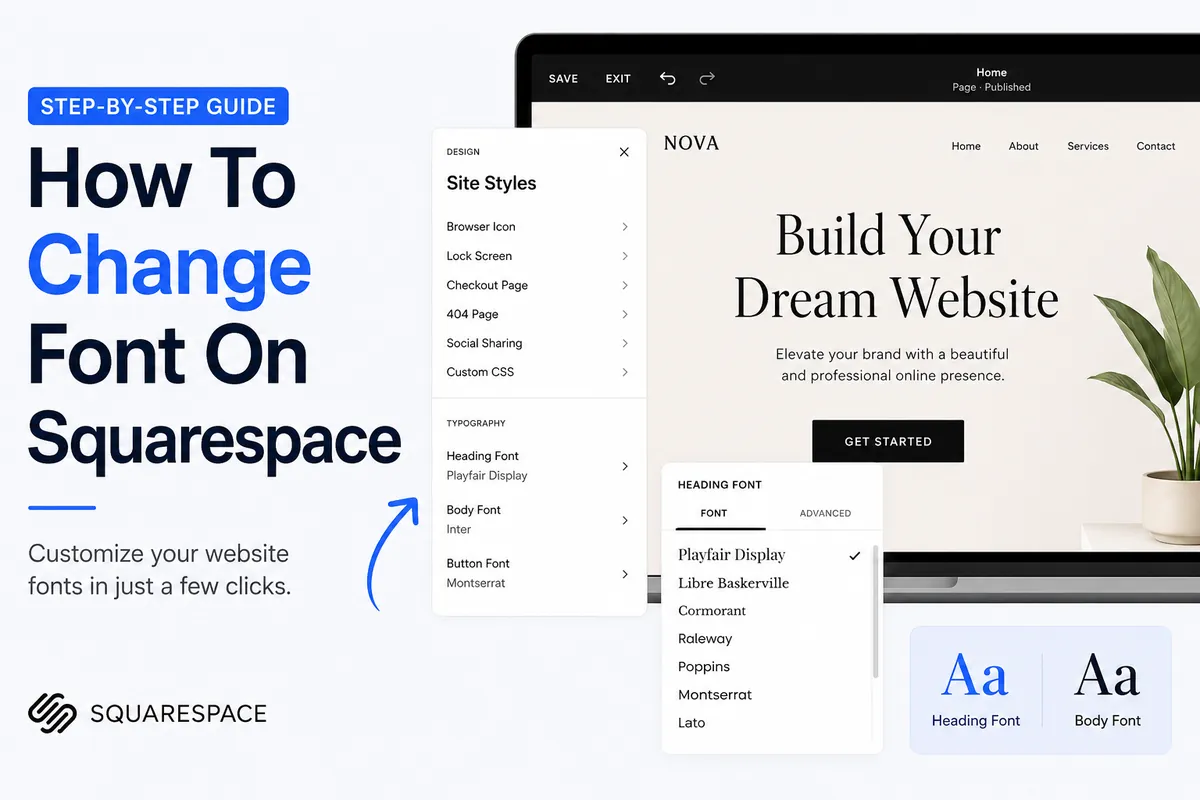
Fonts set the tone of a website, and Squarespace makes them easy to change without code. This guide shows how to change font on Squarespace version 7.1: where the settings live, how font packs work, how to set fonts for headings, paragraphs and buttons separately, how to resize all text, and how to upload your own font.
Where the Squarespace font settings live
In Squarespace 7.1, every font setting is in Site styles. Open your site in the editor, click the paintbrush icon (or go to Website → Site styles), then choose Fonts. Changes here apply across the whole site, so you rarely need to style text block by block.
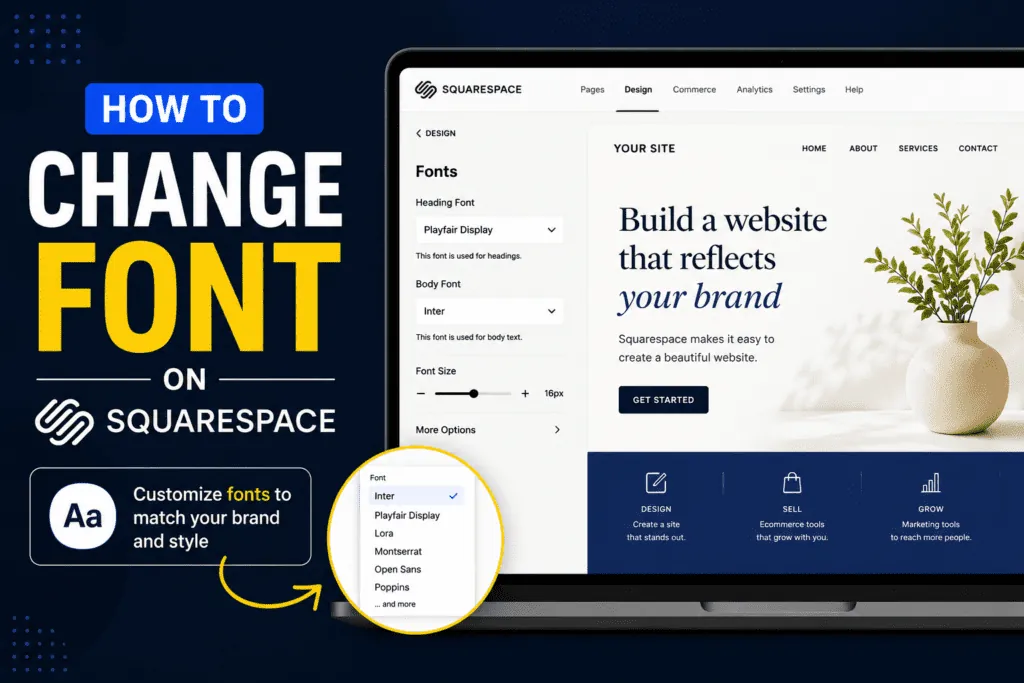
Method 1: choose a font pack
- Open Site styles → Fonts.
- Browse the packs, grouped as Sans-serif, Serif and Mixed.
- Click a pack to preview it on your live page.
- Click Save when you like the result.
A font pack sets matching fonts for every text type at once. It's the fastest way to get a cohesive look, and you can still adjust each part afterwards.
Method 2: change fonts for each text type
Inside the Fonts panel, Squarespace splits text into four groups. Click one to change its font, weight, style, size, line height, letter spacing and text transform (such as all caps):
- Headings: all heading levels.
- Paragraphs: body text.
- Buttons: button labels.
- Miscellaneous: small text such as labels and metadata.
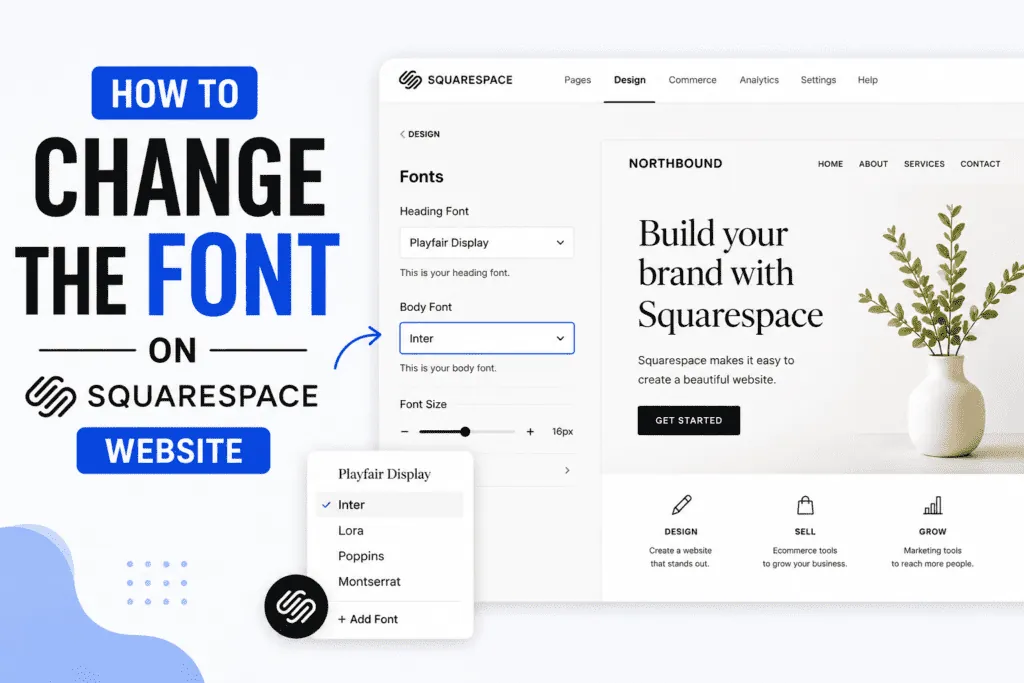
Method 3: change font size for the whole site
At the top of the Fonts panel, use the + and − buttons to change the base size. All text on the site scales relative to it, so headings and paragraphs keep their proportions. Fine-tune individual sizes inside each text group afterwards.
Method 4: upload your own font
Squarespace 7.1 lets you upload custom fonts for brand typefaces that aren't in its library. Use font files you have a licence to use on the web, upload them in the Fonts panel, and then select them like any other font. Check the result on mobile, and keep a fallback in mind: large custom font files can slow down page loading.

Change the font of a single text block
Site styles control fonts globally, and each text block uses those styles through its formatting. Click into a text block and use the format menu to switch a line between Heading 1–4 and Paragraph 1–3: each option uses the font and size you set in Site styles. This keeps your design consistent instead of styling words one by one.
Custom CSS for one-off font changes
For something site styles can't do, such as a different font for one section, Squarespace lets you add custom CSS (find Custom CSS in the website tools or design menu). For example:
/* larger, spaced-out navigation links */
.header-nav-item a {
  font-size: 1.1rem;
  letter-spacing: 0.08em;
}
Class names can change when Squarespace updates its templates, so add a short comment to each rule and check your site after major updates.
Tips for choosing Squarespace fonts
- Two fonts are enough: one for headings, one for body text.
- Body text first: pick a clear paragraph font at a comfortable size (around 16–18px).
- Check contrast: thin fonts on light backgrounds can be hard to read; change the colour under Site styles → Colors if needed.
- Decorative text for social media: website fonts don't carry over when you copy text. For styled text in bios and captions, use our copy and paste font generator.
Frequently asked questions
Do these steps work on Squarespace 7.0?
No. They are for version 7.1. Version 7.0 sites use a different style editor, where fonts are set per template in Site Styles.
Can I use Google Fonts on Squarespace?
Yes. Squarespace's font list includes many Google Fonts, and font packs are built from them. For a font that isn't in the list, upload it as a custom font if you have the licence.
Why didn't my font change on one section?
Some blocks have their own text styles, and text pasted from elsewhere can carry formatting. Select the text in the editor and clear formatting, then let it follow the site styles.