Guides
How to Change REFramework Font Size and Use Custom Fonts
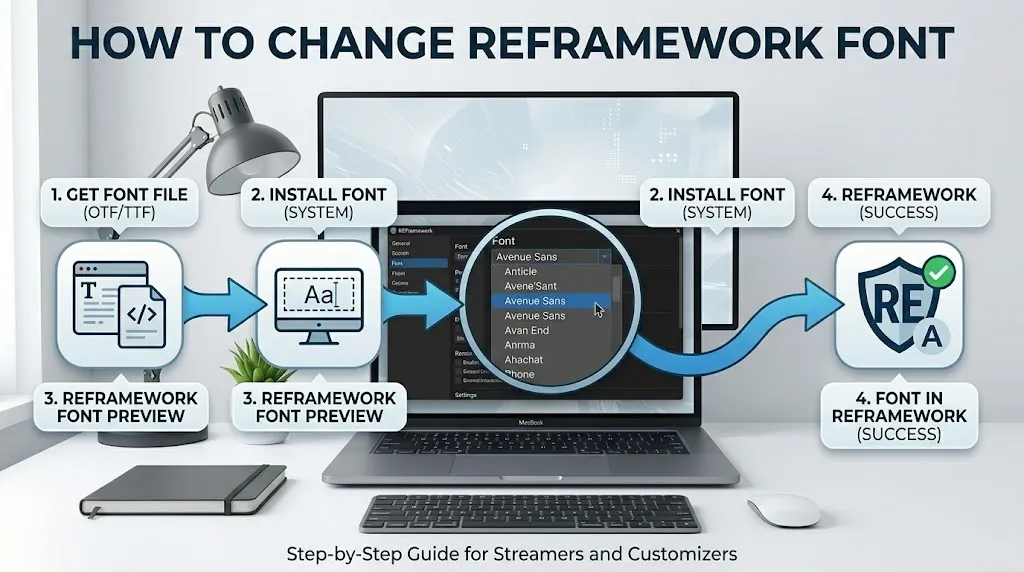
REFramework is the popular modding framework by praydog for Capcom's RE Engine games, such as Resident Evil 2, 3, 4 and Village, Devil May Cry 5, Street Fighter 6, Monster Hunter Rise and Wilds, and Dragon's Dogma 2. Its overlay menu uses a small default font, which can be hard to read on large or high-resolution screens. This guide shows how to change the REFramework font size, where the settings are saved, and how custom fonts work in Lua scripts.
Method 1: change the font size in the menu
- Launch the game with REFramework installed.
- Press Insert to open the REFramework menu (this is the default key).
- Open the Configuration section.
- Find Font Size and raise or lower it.
- The menu updates right away. Close it with Insert; the setting is saved to the config file.
If the game stutters or crashes while you change the size, close the game and use Method 2 instead.
Method 2: edit the REFramework config file
- Close the game completely.
- Open the game folder. In Steam: right-click the game → Manage → Browse local files.
- Find the REFramework config file. It is named after the game, for example
re2_fw_config.txtfor Resident Evil 2 (other games use their own prefix). - Make a copy as a backup, then open it in Notepad.
- Search for the font size entry (search "font"), change the number, and save.
- Start the game and open the menu with Insert to check the result.
Method 3: custom fonts in REFramework Lua scripts
REFramework's scripting API can load your own font files. According to the official documentation, imgui.load_font loads a font from the reframework/fonts folder (inside the game folder) at the size you choose and returns a handle you use with imgui.push_font and imgui.pop_font.
- Create
reframework/fontsin the game folder if it doesn't exist. - Copy a
.ttfor.otffont file into it. - In your Lua script (in
reframework/autorun), load and use it:
local myfont = imgui.load_font("MyFont.ttf", 20)

re.on_draw_ui(function()
    imgui.push_font(myfont)
    imgui.text("This text uses MyFont at 20px")
    imgui.pop_font()
end)
This changes the font for your script's own windows and text. Changing the typeface of REFramework's main menu isn't a documented option; some mods on Nexus Mods offer it, so read their instructions and use versions made for your game and REFramework build.
Where REFramework keeps its files
REFramework is installed by copying its dinput8.dll (for most games) into the game's main folder. On first launch it creates a reframework folder next to the game's .exe. Inside it you'll find autorun for Lua scripts, plugins for native plugins, and fonts for font files used by scripts. The config file sits in the game folder too. When in doubt, sort the folder by "Date modified" right after closing the game: the files REFramework just wrote will be at the top.
Tips for a readable REFramework menu
- High-resolution screens: at 1440p or 4K the default size can look tiny. Raise Font Size a few steps at a time rather than jumping to a large value.
- Big TV or couch play: a larger font is easier to read from a distance; widen the menu window by dragging its corner afterwards.
- Script windows: scripts that use
imgui.load_fontcan set their own size, so they may not follow the menu's Font Size setting. - Keep a backup of your config file before experimenting, so you can return to a working setup quickly.
When the REFramework font looks broken
- After a game update: update REFramework to the latest build for your game. Old builds can break after patches.
- Missing characters (boxes): the font doesn't contain those characters.
imgui.load_fontaccepts Unicode ranges for languages beyond Latin. - Menu unreadable or settings stuck: rename the config file to reset REFramework's settings to default.
- Crashes after adding a font: remove the font file and the script that loads it, then add them back one at a time.
Frequently asked questions
Which key opens the REFramework menu?
Insert, by default. You can change the key in the menu's settings.
Can I replace the REFramework menu font with my own .ttf file?
The documented way to use custom fonts is through Lua scripts with imgui.load_font, which reads files from reframework/fonts. Changing the main menu typeface itself is not a documented feature, so mods or newer builds may differ.
Does a bigger font size affect performance?
REFramework's troubleshooting notes mention reducing the font size in Configuration as one way to improve performance, so very large sizes can cost a little speed.