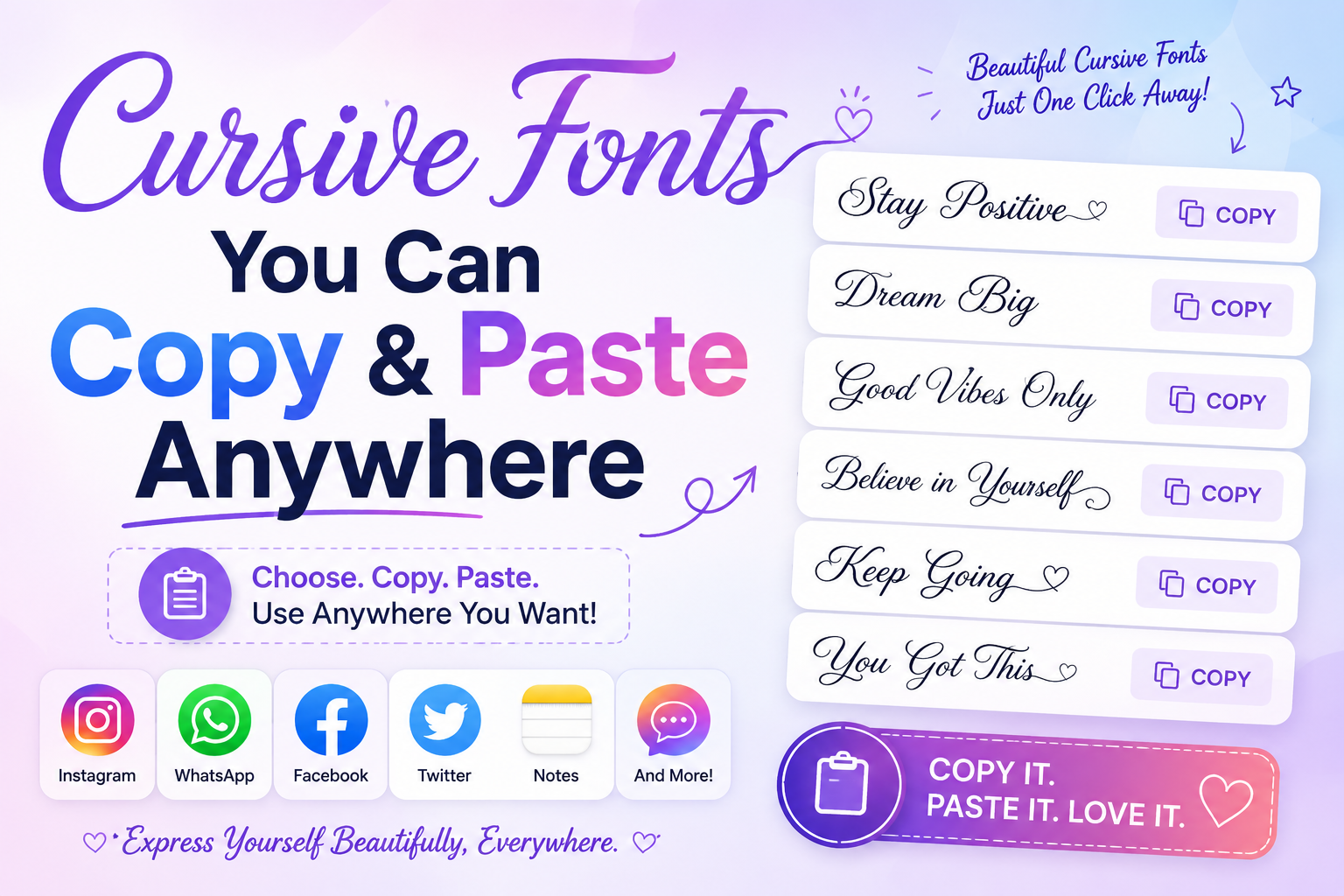
You can use Cursive fonts by copying and pasting them anywhere. They are suitable for social media bios, captions, usernames, messages, and other uses. These fonts don’t require a special installation because they use Unicode characters.
Simply copy the text and paste it where you need it. This guide presents various cursive font styles that can be easily used in different contexts.
How Copy & Paste Cursive Actually Works
Copy-paste cursive does not involve special fonts. Instead, it uses Unicode characters designed to resemble cursive text. These characters can be found on most websites and apps.
You can copy styled text and paste it into social media posts, messages, or profiles without installing any additional software. This method is convenient for use on various devices.
The Different Cursive Styles
Not all cursive looks the same. Here are the main ones you’ll see online.
Classic Cursive Script
𝓛𝓸𝓸𝓴𝓼 𝓵𝓲𝓴𝓮 𝓽𝓱𝓲𝓼
This is the most popular one. The letters connect and loop into each other. It looks soft and personal, like a handwritten note. Lifestyle pages and food accounts use this one the most.
Good for: Instagram bios, TikTok captions, Twitter names.
Bold Cursive
𝕭𝖔𝖑𝖉 𝖆𝖓𝖉 𝖘𝖙𝖗𝖔𝖓𝖌
Thicker strokes, same flowing style. It hits harder than regular cursive. Use it when you want the cursive look but need it to stand out more on screen.
Good for: Headings in bios, comment sections, Discord usernames.
Italic Cursive
𝘓𝘰𝘰𝘬𝘴 𝘭𝘪𝘬𝘦 𝘵𝘩𝘪𝘴
Italic tilts the letters to the right. Cleaner and more subtle than classic cursive. Good for people who want something a little different without going too far.
Good for: Short captions, quotes, Pinterest descriptions.
Double Struck Cursive
𝕃𝕠𝕠𝕜𝕤 𝕝𝕚𝕜𝕖 𝕥𝕙𝕚𝕤
Hollow outlined letters with a cursive feel. Looks mysterious. Dark and dreamy pages tend to go for this one.
Good for: Moody Instagram pages, Twitter bios, aesthetic captions.
Handwriting Style
𝒲𝓇𝒾𝓉𝓉𝑒𝓃 𝓁𝒾𝓀𝑒 𝓉𝒽𝒾𝓈
This one looks the most like actual handwriting. The letters are uneven and loose. It feels casual and real, like someone scribbled it on paper.
Good for: Personal bios, journaling accounts, creative pages.
Where You Can Use It
Cursive copy-paste text works almost everywhere. Here’s a quick list.
Instagram — Bio, captions, comments, story text if you paste it in. Works.
TikTok — Bio and captions take cursive text fine. Comments too.
Twitter / X — Bio, display name, and tweets all work. Cursive names in the display name field get a lot of attention.
Discord — Works in messages, bios, and server nicknames. Pairs well with Discord’s built-in bold and italic formatting.
Facebook — Bio and posts accept cursive Unicode. Not as common there, which means it stands out more.
YouTube — Channel description and about section both work.
Snapchat — Bios take it fine.
Pinterest — Board descriptions and profile bios work great.
Tips for Using Cursive Text Well
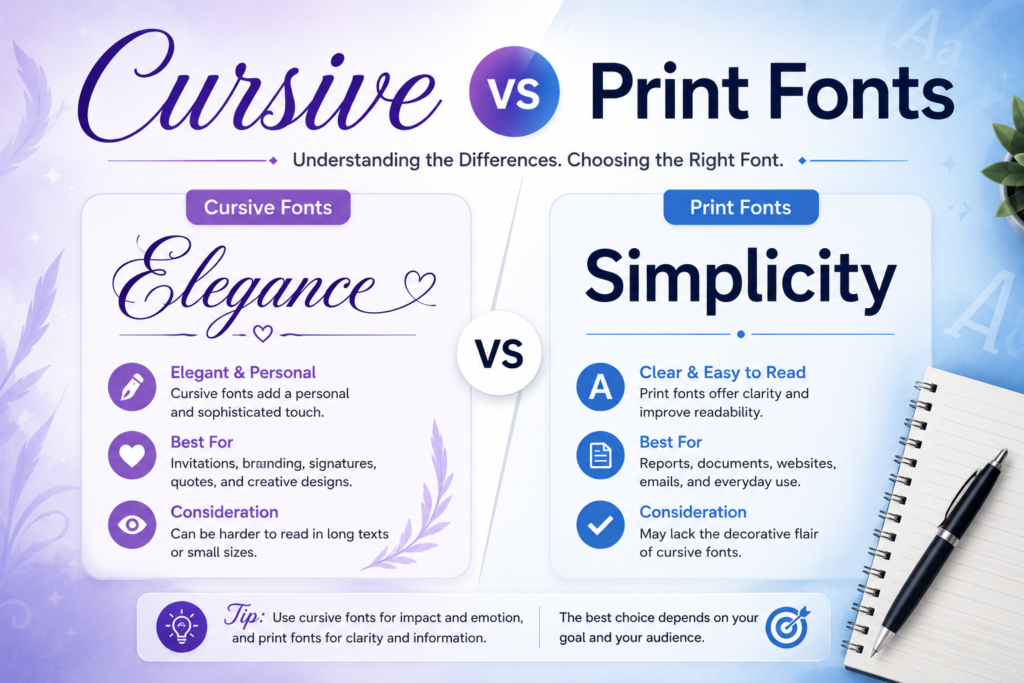
Keep it short. Cursive is harder to read than plain text, especially on small screens. One or two lines in a bio is enough. A full paragraph in cursive gets tiring fast.
Test on your phone. Some cursive characters look different on mobile than on a computer. Always paste it into your bio and check how it looks on your actual phone before leaving it.
Don’t use it in hashtags. Cursive characters break hashtags. Nobody can search for them. Keep every hashtag in plain regular text.
Pick one style and stick with it. Using three different cursive styles in one bio looks messy. Pick the one that fits your page and use it.
Pair it with plain text. One line of cursive next to one line of plain text looks cleaner than all cursive. The contrast makes both lines easier to read.
Conclusion
You don’t need to download anything. Copy & paste cursive works on almost every website, app, and social media platform already. Type your text, pick a style, copy it, paste it wherever you want. That’s the whole process.
It takes under a minute. Your bio, your captions, your messages all of it can look different from everyone else’s starting right now. Try a few styles until one feels right. You’ll know it when you see it.