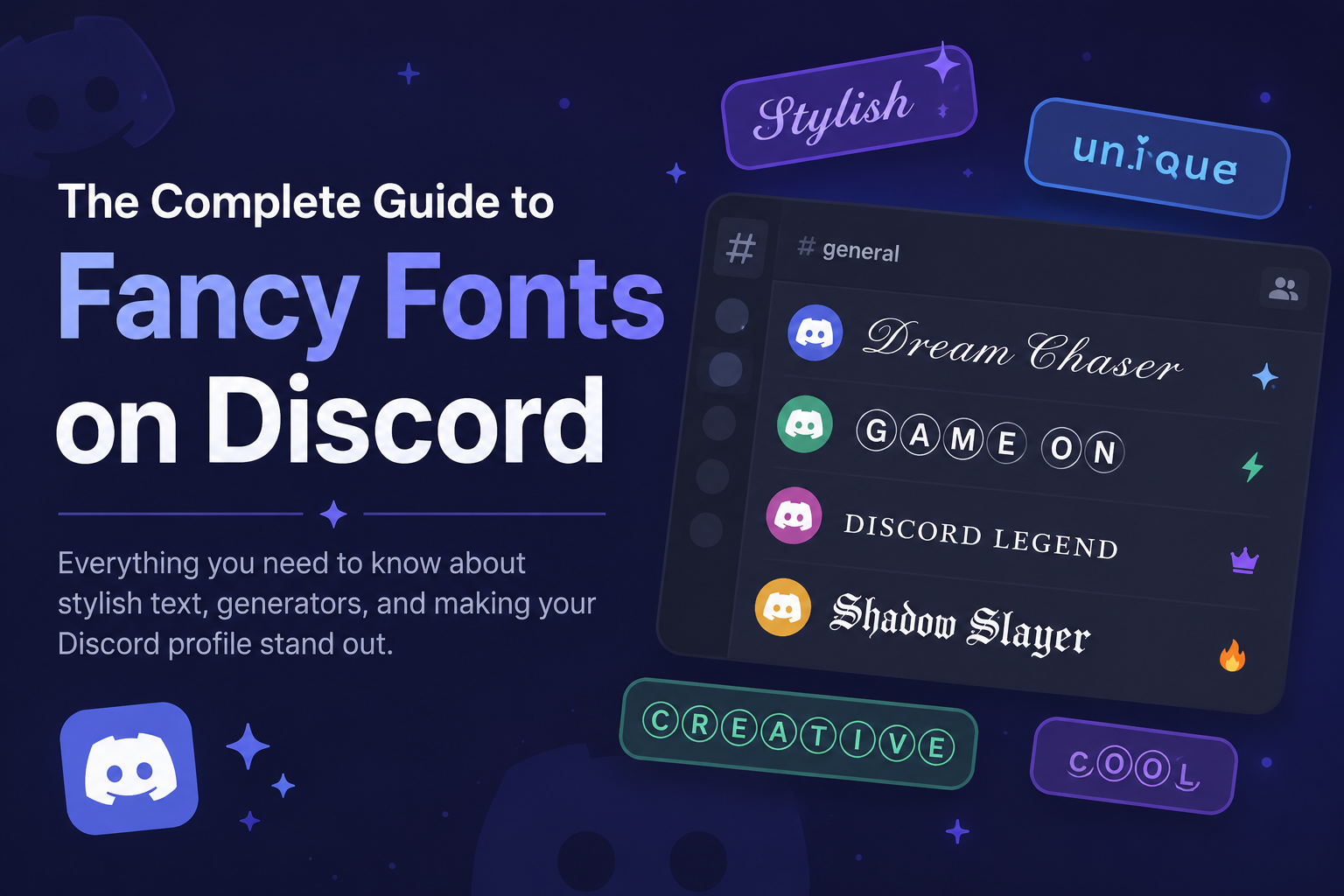
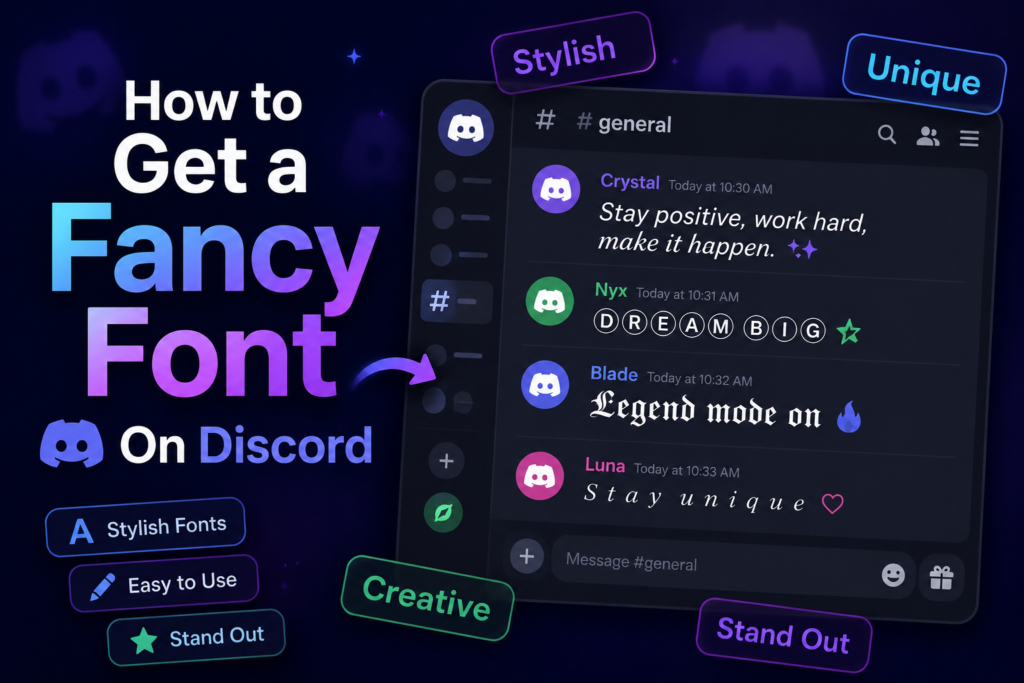
You can customize Discord with fancy fonts by adding unique style to your messages, username, and profile. Many users enjoy using text formatting to differentiate their account.
Most stylish font styles can be easily added by copying and pasting them directly into Discord.
What Discord Actually Lets You Do
Discord has a built-in text system called Markdown. You put symbols around your words and they change how they look. No downloads. Works on your phone, PC, anywhere.
Here’s what you can do.
Bold Text
Type two asterisks on each side of your word.
like this turns into like this
Use bold when you want one word or phrase to hit harder than the rest. Good for announcements, rules channels, or making a point in an argument.
Italic Text
One asterisk on each side does it.
like this turns into like this
Italic is softer than bold. People use it for sarcasm, titles of games or movies, or when they want to stress a word without shouting.
Bold Italic Together
Three asterisks on each side.
***like this*** turns into like this
This one hits hardest. Save it for when something matters. Don’t use it on every message or it loses the effect.
Underline
Two underscores on each side.
like this turns into like this
Underline doesn’t show up as often in Discord chats. It stands out because most people skip it.
Strikethrough
Two tildes on each side.
~~like this~~ turns into like this
It puts a line through your words. Good for jokes or pretending you didn’t say something.
Code Text
One backtick on each side.
`like this` turns into like this
Code text gives your words a grey box and a monospace font. Coders use it for sharing commands. But lots of people use it to make text look clean and different, even when it has nothing to do with code.
Code Block
Three backticks on each side, usually on separate lines.
It looks like this:
“` your text here “`
You get a big grey box. The spacing stays exactly how you typed it. Good for lyrics, long messages, or lists.
Spoiler Text
Two vertical bars on each side.
||like this|| hides the text behind a black bar. People click it to reveal what’s inside.
Use it to hide a spoiler, a surprise, or anything you want someone to click before they see. one of the coolest things Discord has.
Going Further With Font Generators
Best Styles to Paste Into Discord
𝕯𝖆𝖗𝖐 𝕲𝖔𝖙𝖍𝖎𝖈 — Roleplay servers love this one. Looks dramatic.
𝓒𝓾𝓻𝓼𝓲𝓿𝓮 𝓢𝓬𝓻𝓲𝓹𝓽 — Looks handwritten. Works for aesthetic servers or personal messages.
𝗕𝗼𝗹𝗱 𝗦𝗲𝗿𝗶𝗳 — Strong and clean. Good for server names or announcements pasted as text.
ᴛɪɴʏ ᴄᴀᴘꜱ — Small but readable. Gives messages a quiet, styled look without being loud.
Ⓑⓤⓑⓑⓛⓔ — Circles around every letter. Stands out fast. Good for fun servers.
What Doesn’t Work on Discord
Discord does not support colored text in regular messages.
If you want to achieve this, you can use code blocks, but the process can be complicated and may not work for all users.
Additionally, some special Unicode characters may not function as intended.
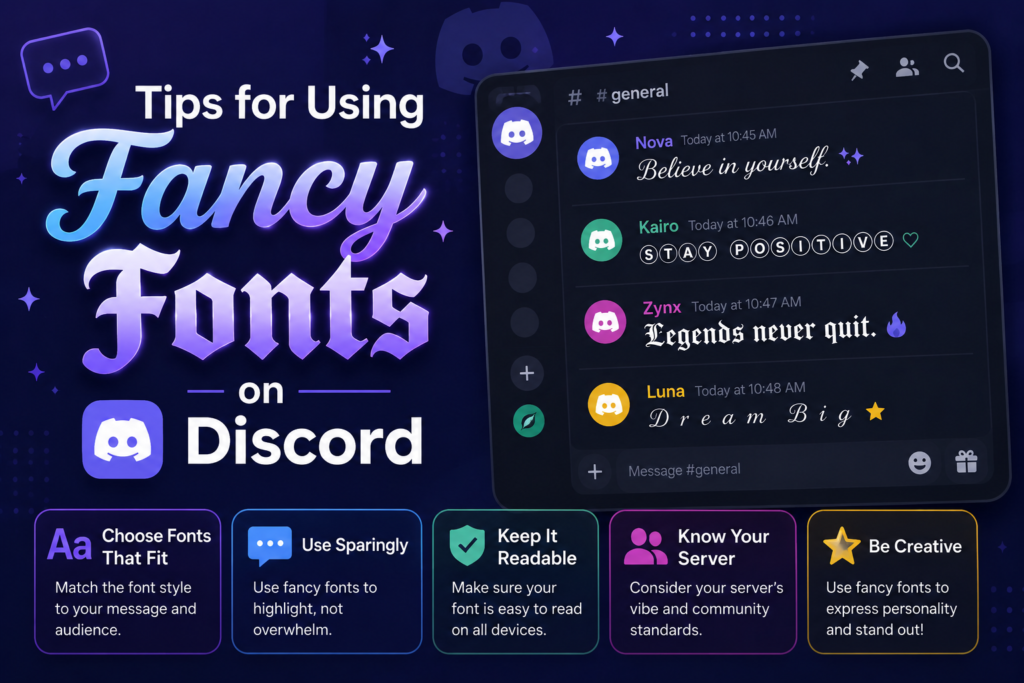
Test your text in important channels before using it. Some people use screen readers to browse Discord. Fancy Unicode letters can break these tools. Be cautious with styled text in large servers. Markdown formatting only works in message bodies. Nicknames and server names are restricted to plain text.
Conclusion
To add flair to your Discord profile, messages, and username, consider using a fancy font. You can choose from many available font styles to match your taste.
Most simply require copying and pasting the text, and you won’t need any extra software. Pick a font that’s clear and easy to read for others.