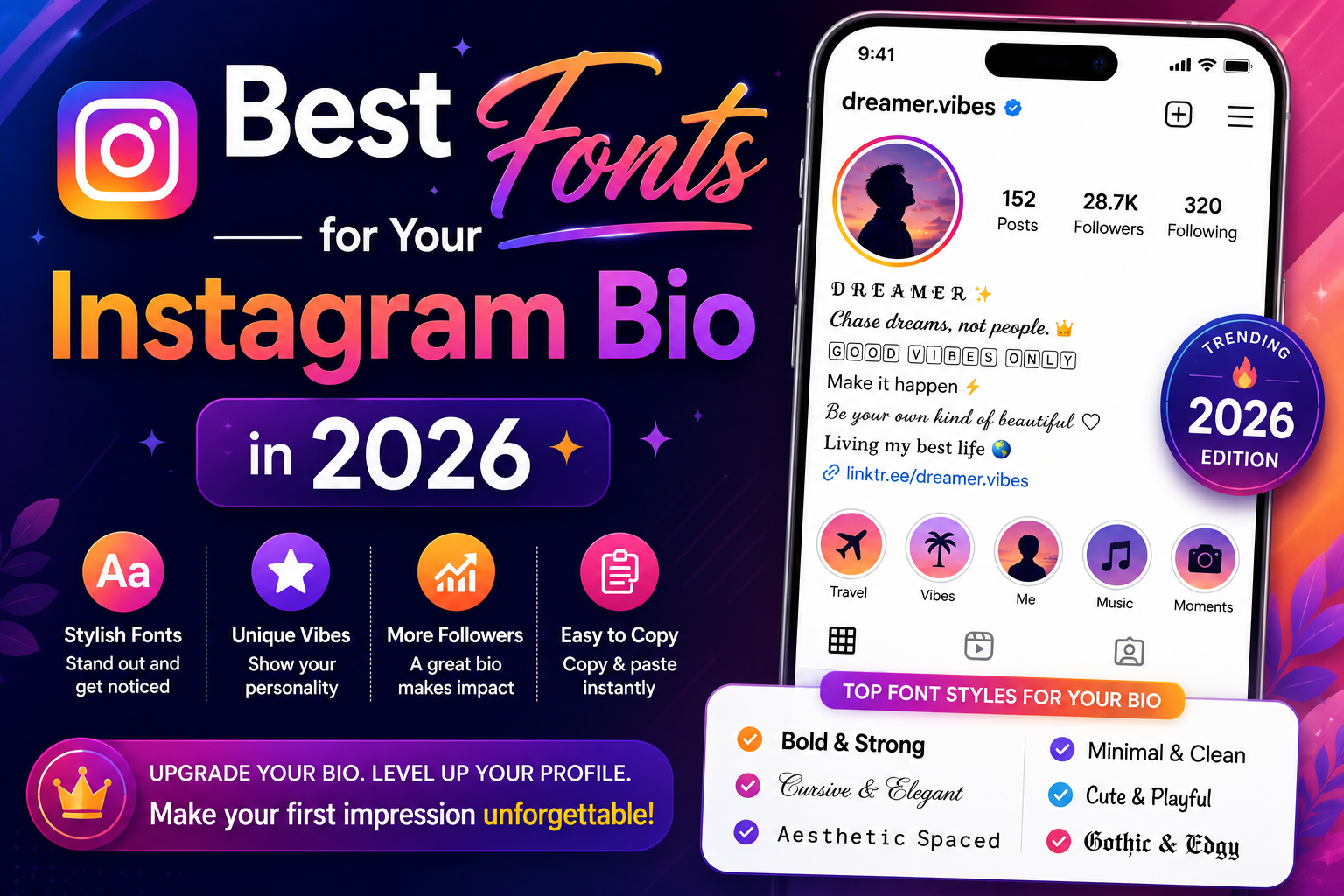
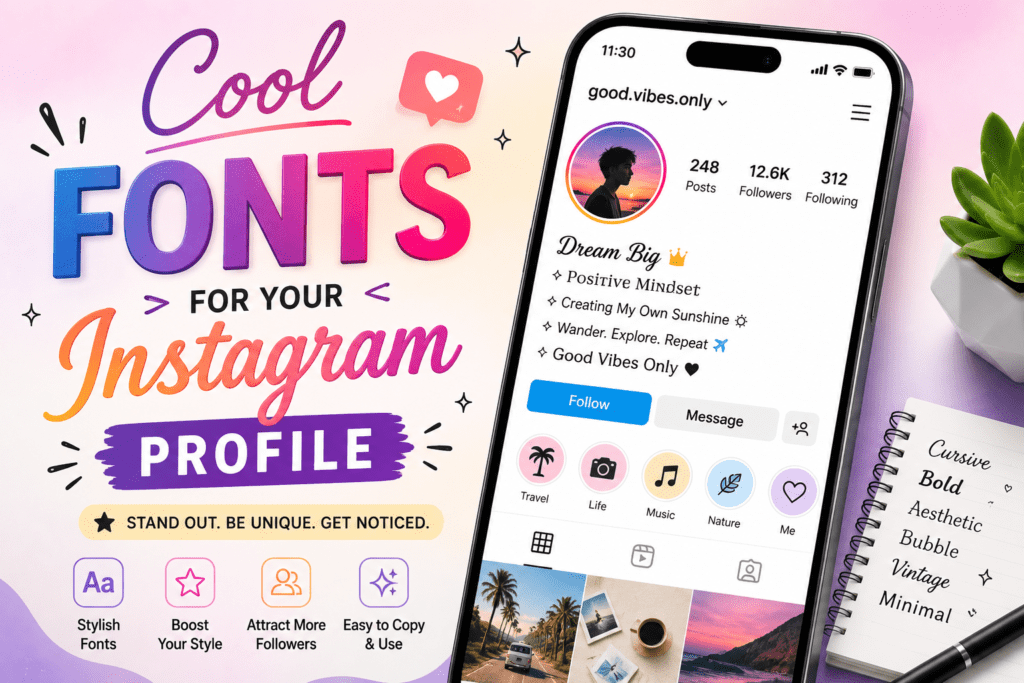
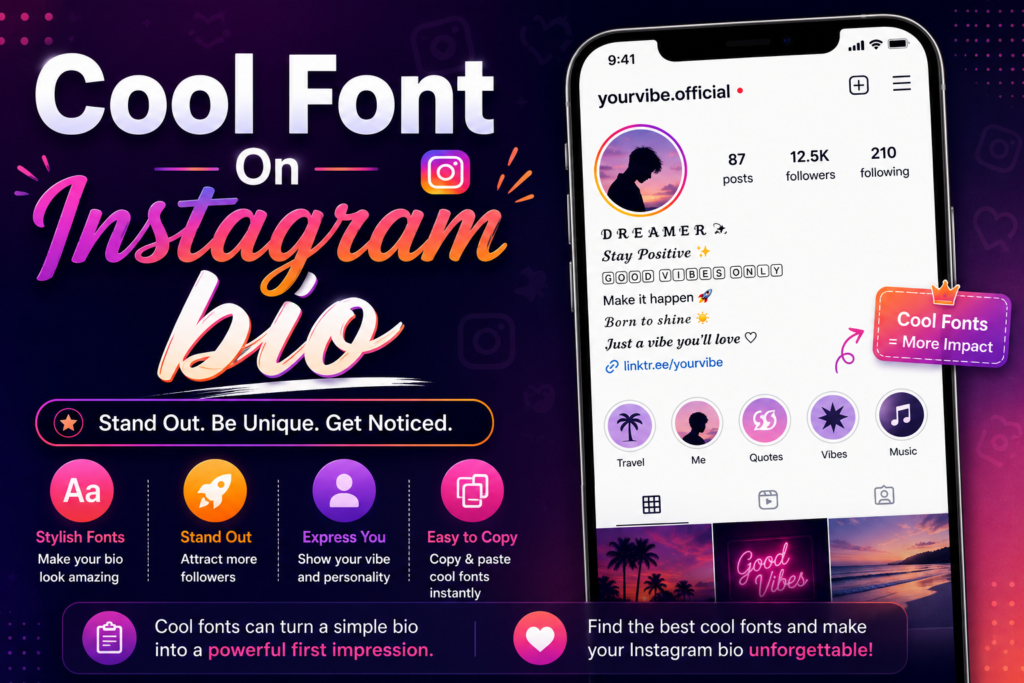
When you visit a friend’s Instagram profile, their bio is usually one of the first things you see. To make your own bio stand out, try adding a font to catch others’ attention. You can use this approach without affecting the message you want to convey. Stylish text can differentiate your profile from others without changing what you say.
Your Instagram bio is the first thing people see when they land on your profile. Most bios look exactly the same plain text, nothing special. A different font changes that fast. No app needed. No downloads. Just copy a style you like and paste it straight into your bio.
How the Font Trick Works
Instagram doesn’t let you change fonts inside the app. But there’s a workaround. Go to a free site like LingoJam or Cool Symbol. Type your bio there. Pick a style you like and copy it. You copy the result and paste it straight into your Instagram bio. Done.
The letters aren’t a “font.” They’re special Unicode characters that look like styled letters. Instagram shows them fine on every device.
Now, here are the 10 best styles to try.
Bold Serif
𝐋𝐨𝐨𝐤𝐬 𝐥𝐢𝐤𝐞 𝐭𝐡𝐢𝐬
Bold serif looks like a newspaper headline. It’s strong and clean. Business accounts and photography pages love this style.
Cursive Script
𝓛𝓸𝓸𝓴𝓼 𝓵𝓲𝓴𝓮 𝓽𝓱𝓲𝓼
This one looks handwritten. The letters connect and flow into each other. It looks like something you’d write in a journal. Lifestyle pages and food accounts use this one a lot. Creative people tend to pick this one.
Italic Text
𝘓𝘰𝘰𝘬𝘴 𝘭𝘪𝘬𝘦 𝘵𝘩𝘪𝘴
Italic tilts your letters to the right. It’s a small change but it makes your bio look styled. Good for anyone who wants something different without going overboard.
Double Struck
𝕃𝕠𝕠𝕜𝕤 𝕝𝕚𝕜𝕖 𝕥𝕙𝕚𝕤
Double struck has a hollow, outlined look. It’s popular with math and science accounts but also shows up a lot on aesthetic pages. It looks cool and a bit mysterious. If your page has a dark or moody theme, this one fits.
Small Caps
ʟᴏᴏᴋꜱ ʟɪᴋᴇ ᴛʜɪꜱ
Small caps turn your letters into tiny uppercase. It looks clean and simple. Use it for a short line or a quote in your bio. It’s quiet but it still stands out from plain text.
Bubble Letters
Ⓛⓞⓞⓚⓢ ⓛⓘⓚⓔ ⓣⓗⓘⓢ
Bubble letters put a circle around each letter. They feel playful and fun. Good for accounts about gaming, cartoons, kids’ content, or anything energetic. This style is hard to miss. Pick this if your page has energy.
Underline Style
L̲o̲o̲k̲s̲ ̲l̲i̲k̲e̲ ̲t̲h̲i̲s̲
Underline style adds a line under every letter. It’s a small touch but it makes your text look deliberate and styled. Works well under your name or a short line in your bio. Don’t use it on a long sentence it gets hard to read.
Strikethrough Mix
L̶o̶o̶k̶s̶ l̶i̶k̶e̶ t̶h̶i̶s̶
A line through the letters sounds like it would look bad. It doesn’t. Creators use it for a sarcastic or edgy tone. If your content is funny, snarky, or ironic, this style signals that before people even watch one video. It’s a personality choice more than a design choice.
Tiny Superscript Text
ᴸᵒᵒᵏˢ ˡⁱᵏᵉ ᵗʰⁱˢ
Superscript makes your letters small and raised. It looks delicate. Some creators mix this with normal-sized text to create contrast in their bio. One line in tiny text, the next in regular size. That kind of contrast catches the eye without being loud.
Mixed Style
𝓛𝓸𝓸𝓴𝓼 𝐥𝐢𝐤𝐞 𝕥𝕙𝕚𝕤
Mixed style combines two or three font styles in one bio. One word in cursive, the next in bold, another in double struck. It sounds like too much but when you do it , it looks intentional. Use it one or two lines max, not the whole bio.
Conclusion
Pick a font that feels like you. Something clean, something that matches your vibe, something people actually stop to read. Try a few styles and see what looks right on your profile. The one that fits will be obvious when you see it.
Clean and creative Instagram bios start with the right font. Choose a style that matches your personality and is legible to others. Simple fonts are easy to copy and paste without installing anything. Experiment with different styles to find the one that works best for your profile.